CONNECTION COMPLETE
YOUR PLAN
IS READY.
The free two-week plan has been shared to your Intervals.icu training library.
- 01Log in to Intervals.icu.
- 02Open the Activities tab and select the library book icon.
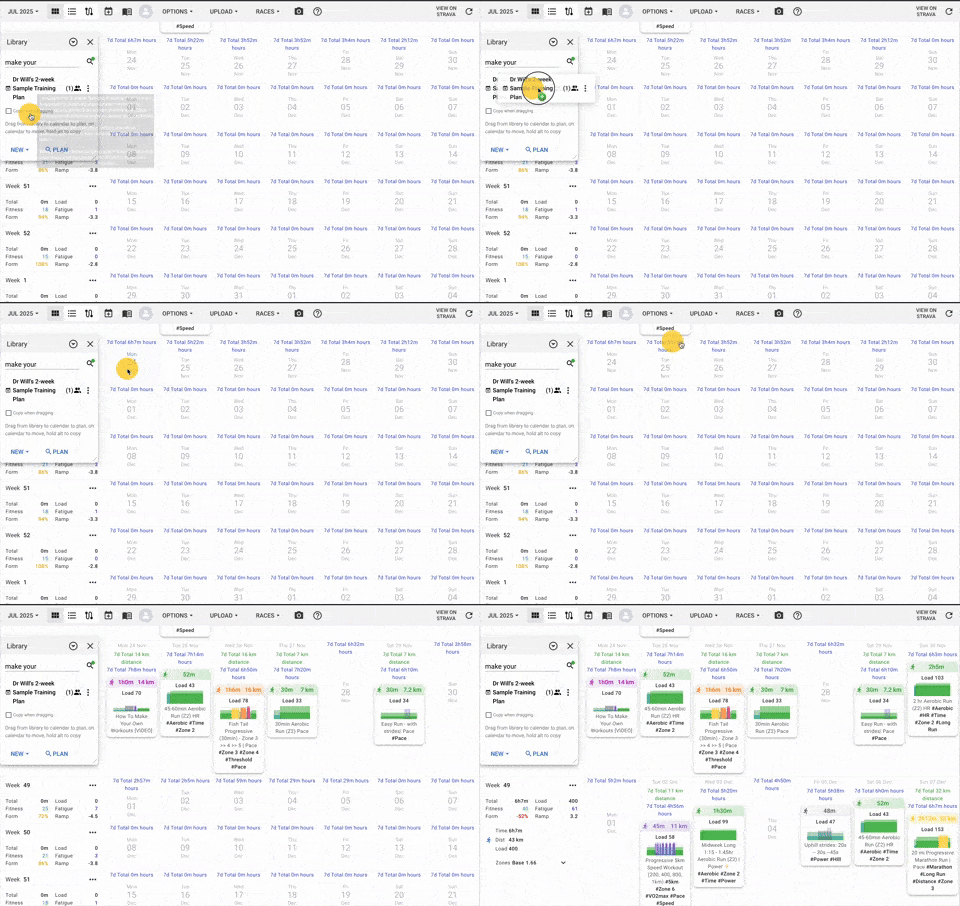
- 03Drag the free plan from your library onto your calendar.
VISUAL WALKTHROUGH
FIND IT. DRAG IT. START TRAINING.
Open your Library, choose Dr Will’s 2-week Sample Training Plan, then drag it onto the date you want to begin.